png3D · Blog
3D photo effects explained: parallax, zoom and swing
Compare png3D circle, swing, zoom-in, and dolly-zoom-in effects and learn why motion previews are not 3D model exports.
Use only images you own or have permission to edit.
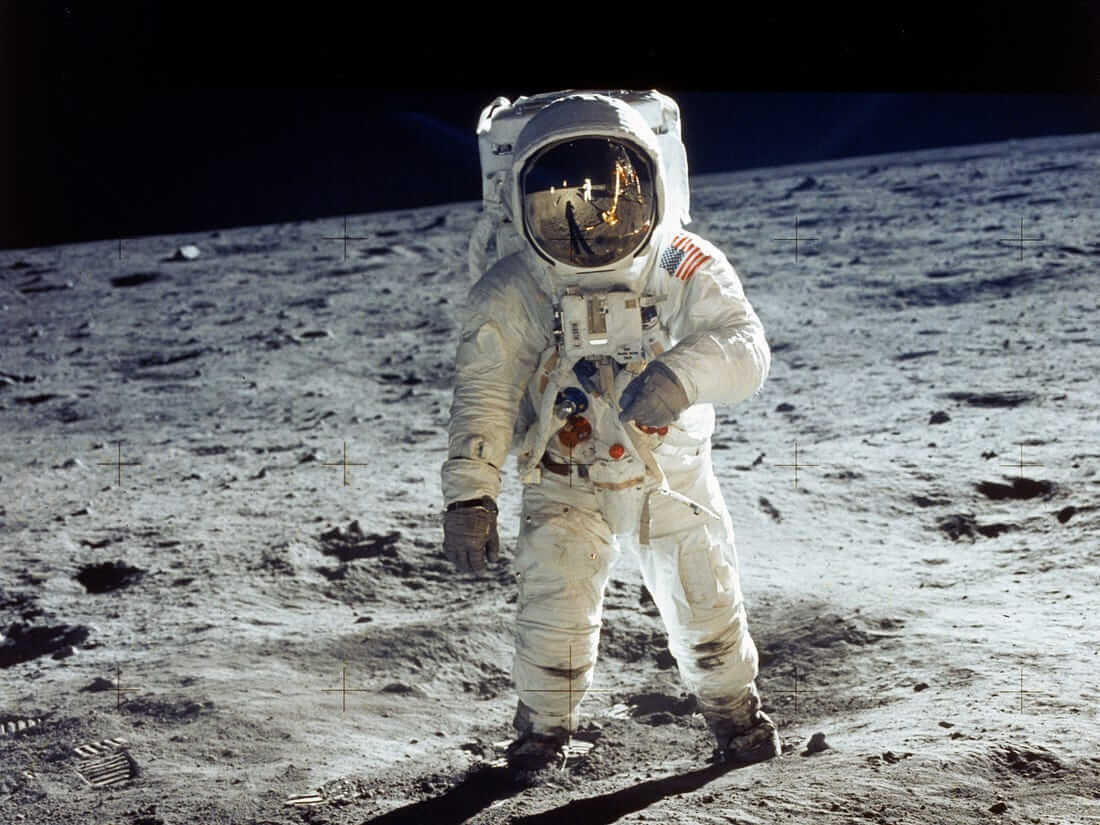 Source still
How the effect works
A 3D photo effect uses small changes in viewpoint to make a flat image feel more dimensional. In a parallax-style treatment, regions estimated as nearer and farther move differently. This is a visual animation of one photograph, not a physically accurate camera recording of a real scene.
png3D exposes several named motion treatments, including circle, swing, zoom-in, and dolly-zoom-in. Names describe the style of the generated movement; they do not imply that the tool reconstructs a complete camera-ready scene or exports a 3D model.
Choose a suitable source image
A circle treatment suggests a small orbit around the image, while swing and zoom-in emphasize different kinds of changing perspective or scale. A dolly-zoom-in suggests a more pronounced perspective change. Exact appearance depends on the input image and the generated output, so preview each option rather than choosing by name alone.
Movement that suits a portrait may feel distracting on a landscape with fine horizontal detail. Strong foreground/background separation can help a subtle shift read clearly; delicate edges and busy scenes can make larger movement more noticeable for the wrong reasons.
- Pick for the composition Use a restrained movement when edges are delicate or the subject fills most of the frame.
- Compare the whole clip Watch for repeated warping, exposed borders, or detail that seems to swim during motion.
A practical workflow
- Start with the clearest available source. Depth boundaries matter more than selecting an effect by its label.
- Preview the named treatments offered by the site. Compare circle, swing, zoom-in, and dolly-zoom-in when available for your task.
- Choose the least distracting result. Check the subject and its edges through the complete movement, then use the output suited to your purpose.
Review the result and its limits
The effect may expose or synthesize pixels around occluded regions as the apparent viewpoint changes. These areas are inferred from context, and errors can become more visible with stronger movement. Keep an untouched source for comparison.
A rendered clip should not be confused with a stereo capture, a multi-view scan, or a conventional 3D asset. If a project requires measurable geometry, independent camera views, or editable depth layers, a single-photo motion effect is not a substitute.
Frequently asked questions
What is the difference between parallax and a 3D model?
Parallax gives different image regions different apparent movement. A 3D model contains geometry that can be inspected or rendered from arbitrary viewpoints; png3D’s image effect is not a model export.
Which png3D motion effects can I compare?
The interface names circle, swing, zoom-in, and dolly-zoom-in treatments. Availability and appearance should be checked in the site for the image you submit.
Does dolly zoom mean the original scene was reconstructed?
No. It names a motion treatment applied to the image-based result. A single source photo does not provide a complete record of the scene.
Why can stronger motion reveal artifacts?
A larger apparent viewpoint change exposes more boundaries and hidden areas that had to be estimated. Less movement may be visually cleaner for a difficult image.