png3D · Blog
Turn a 2D illustration into 3D-style motion
See how a single illustration can gain parallax-style motion, what linework to inspect, and why the result is not a modeled character.
Use only images you own or have permission to edit.
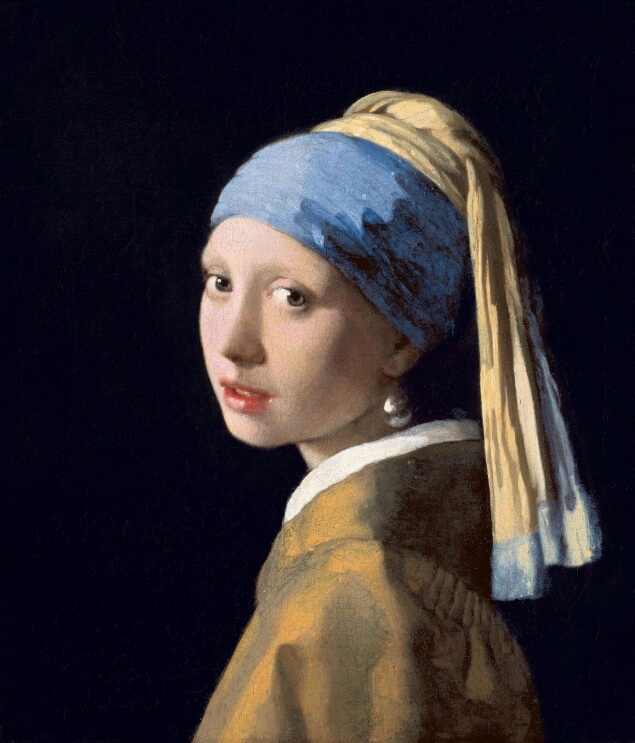 Source still
How the effect works
A 2D illustration can be used as the input to an image-based depth effect, but a moving parallax presentation is different from converting the artwork into a modeled character or scene. The image supplies one viewpoint; the effect estimates which regions should move by different amounts.
Clean silhouettes and clear overlap between foreground and background are useful visual clues. Flat colour alone does not establish physical depth, and stylized artwork may intentionally ignore perspective, so the output should be reviewed as an interpretation of the drawing.
Choose a suitable source image
Start with the largest clean artwork file available to you. Preserve the original line work and avoid a repeatedly compressed screenshot if the source illustration is available. Choose a composition where the main figure or object is separated from the setting and not clipped unexpectedly by the frame.
Thin outlines, text, speed lines, transparent edges, and overlapping accessories can shift or distort when separate depth regions move. Simple backgrounds and clear shape boundaries are easier to assess; logos or lettering should be checked especially carefully because small distortions are conspicuous.
- Good candidates Bold silhouettes, distinct foreground elements, and a background with simple shapes.
- Inspect closely Typography, transparent borders, thin line art, repeated patterns, and deliberate flat perspective.
A practical workflow
- Keep a copy of the original artwork. Make sure you have permission to process it, particularly when the work belongs to someone else.
- Test a representative crop. Keep the main figure away from the edge and retain enough surrounding background to judge parallax.
- Compare motion at normal playback size. Review line edges and lettering as they move; a still frame alone can hide temporal wobble.
Review the result and its limits
Stylized scenes may not contain the depth cues expected by a photo-oriented method. A graphic with several equally prominent layers can produce a less coherent movement than an illustration with a clear foreground and background.
Do not use a generated parallax clip as a replacement for rigging, animation, or a 3D asset pipeline. If you need editable layers, a specific camera path, or predictable geometry, prepare those elements in a dedicated graphics or 3D application.
Frequently asked questions
Can png3D make an anime character into a 3D model?
The site creates motion effects from a 2D image; it does not promise a modeled or rigged 3D character. The output is an image-based effect.
What illustration style is easiest to review?
Clear silhouettes and separated layers provide useful visual cues. Complex line work and intentionally flat perspective may require more careful checking.
Will text and logos stay perfectly still?
No such guarantee is made. Text, thin lines, and sharp edges can reveal movement artifacts, so inspect the full clip before using it.
Can I process artwork I found online?
Only process artwork you own or have permission to edit. You are responsible for confirming the rights for both the source and your intended use of the result.